
More Scenes. One Experience
Choose from your saved Scenes, arrange them in the order you want, and bring them together in a single Playlist that can be used across your lighting experience.
Choose timed playback or display a different Scene each night. .
Control how long each Scene plays before moving to the next.
Keep your chosen order or randomize the Playlists for more variety.
Made For Changing Moments
Playlists gives you more ways to keep your lighting feeling fresh throughout a night, an event, or an ongoing schedule.
Cycle through different seasonal looks instead of choosing just one.
Keep your lighting changing throughout the evening as the atmosphere changes.
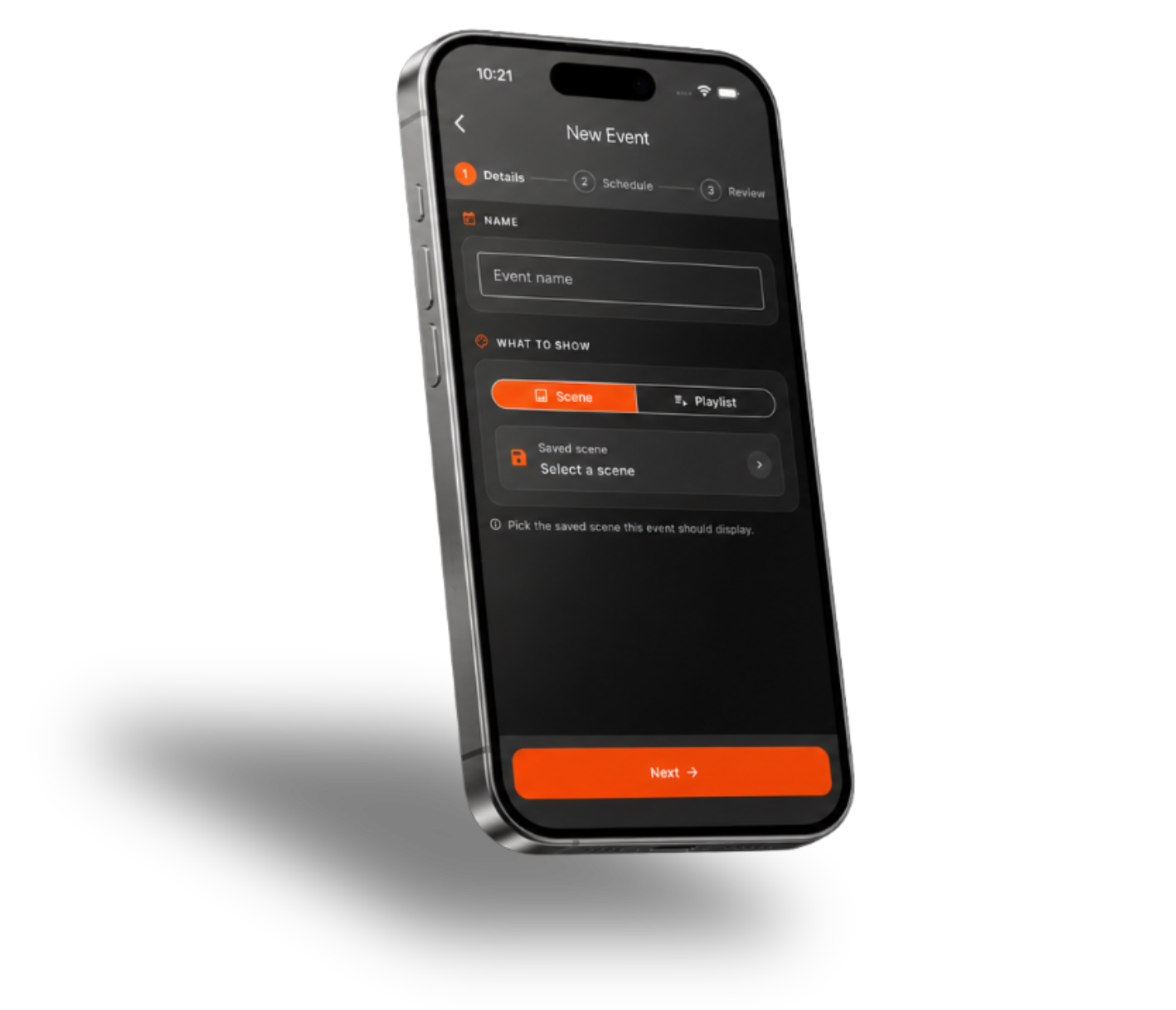
Use a Playlist inside an Event and have it run at a specific time, dawn, or dusk.
Bring more movement and variety to the lighting you use regularly.
.png)


