One App. Multiple Systems
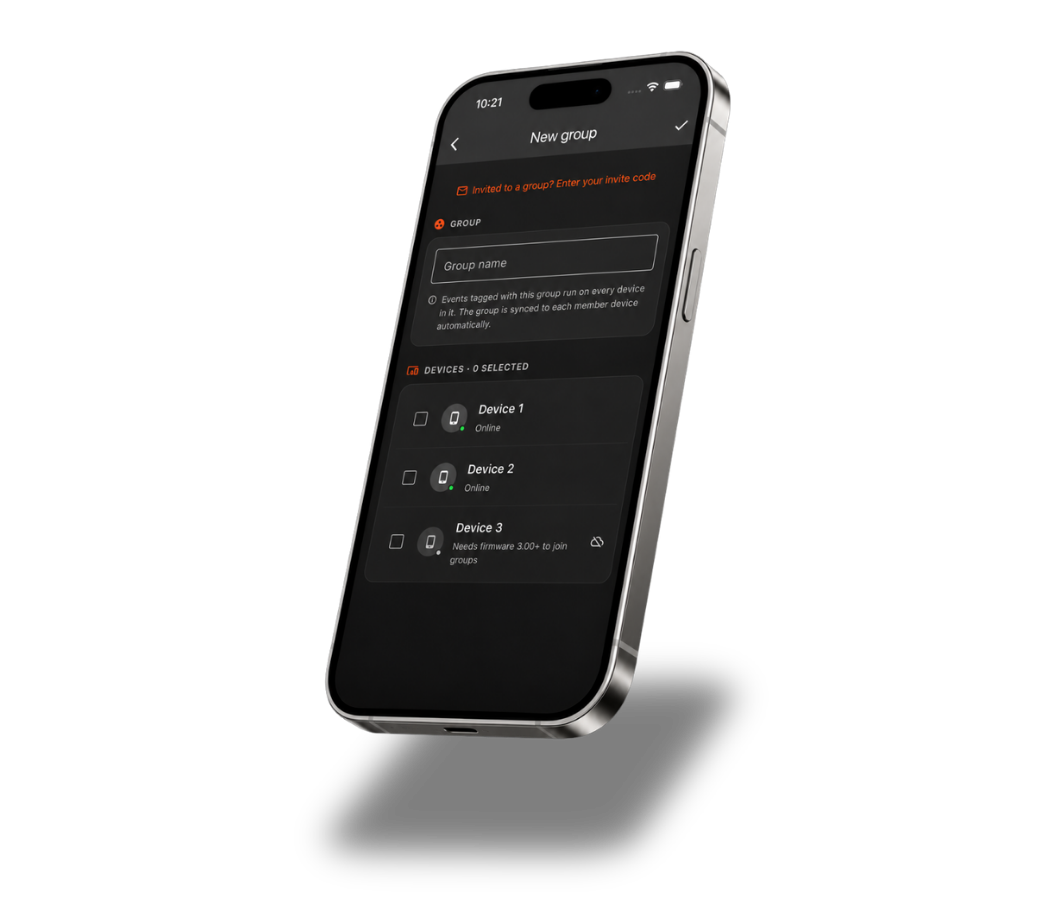
Device Groups make it easy to control multiple Celebright systems from one place. Group systems across different areas, properties, or locations and manage them together, all from the same app.
Combine multiple controllers into one Device Group.
Schedule across multiple systems from the same app.
Share a Device Group with another user.
Built For Every Place You Light
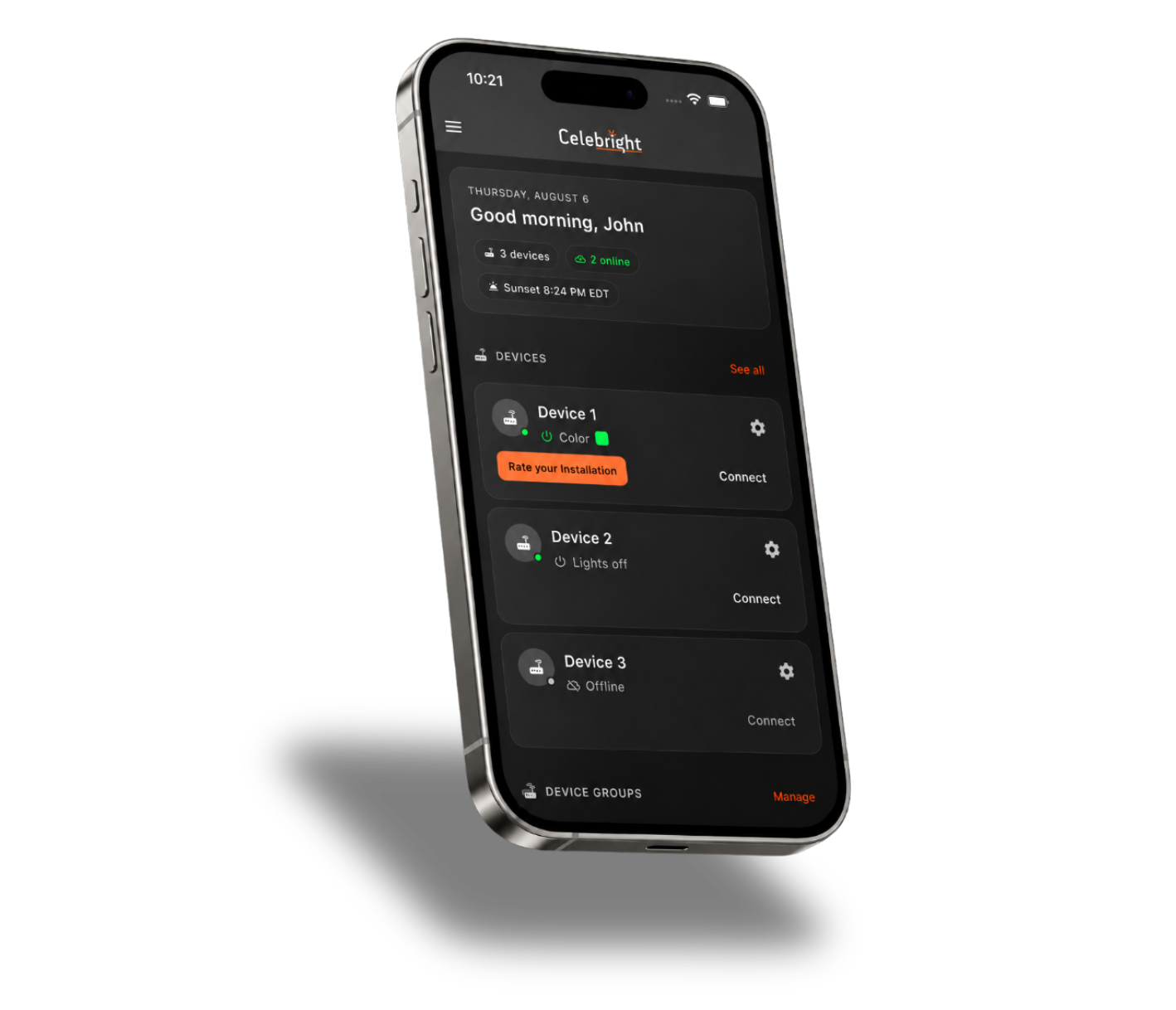
Whether you have multiple systems around one property or Celebright installed across multiple locations, Device Groups bring them together in one place.
Manage multiple Celebright systems across different areas of your home or property from one app.
Keep your home, cottage, rental property, or other locations connected and easy to manage.
Control Celebright across multiple storefronts, offices, venues, or commercial properties from one account.
Add new controllers and locations to your groups as your Celebright setup expands.